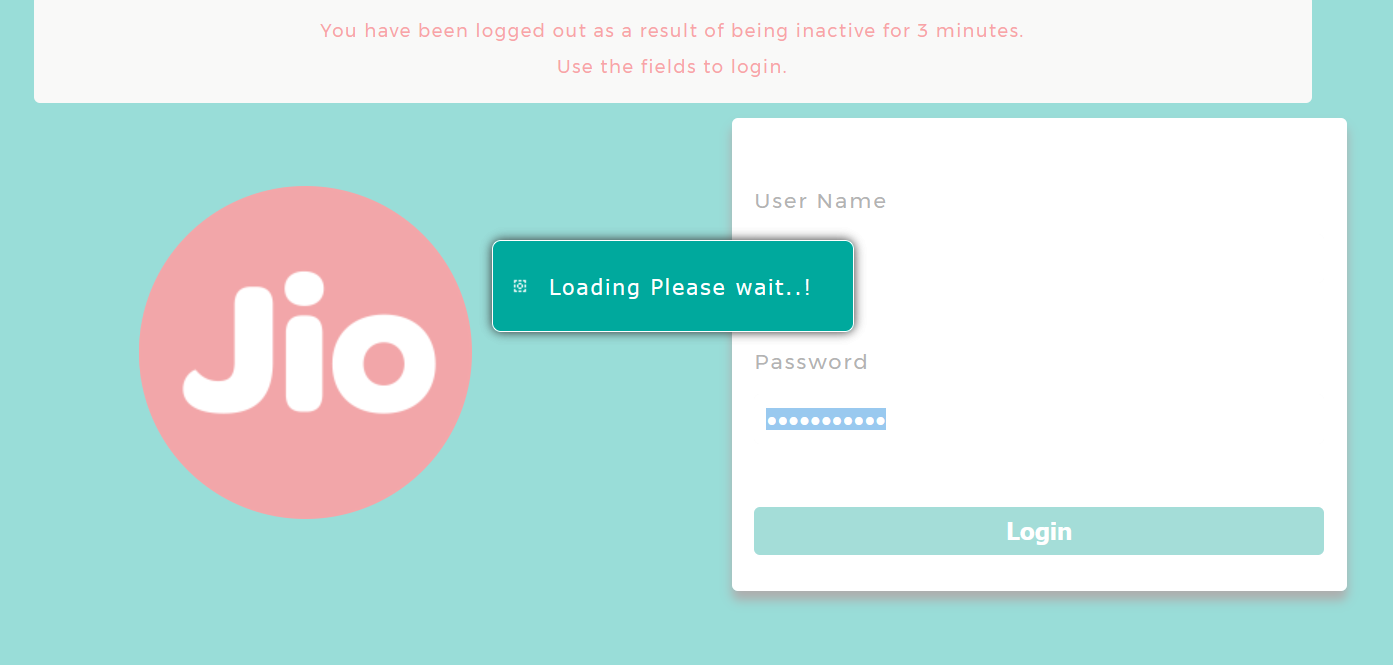
| Key | Value |
|---|---|
| IP address | 192.168.29.1 |
| Username | admin |
| Password | Welcome@123 |
These are the defaults that worked on the router used for the screenshots in this article. Credentials can differ by model and firmware, and some units print their own password on a label. If these do not work, check the label on the router first.
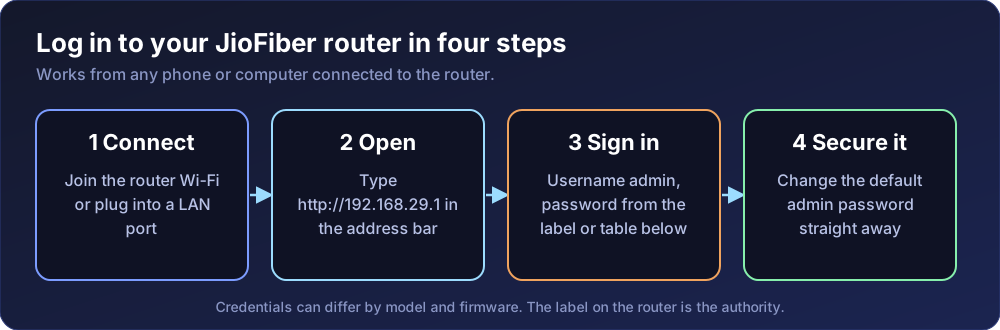
http://192.168.29.1 (the direct page is http://192.168.29.1/platform.cgi?page=index.html).
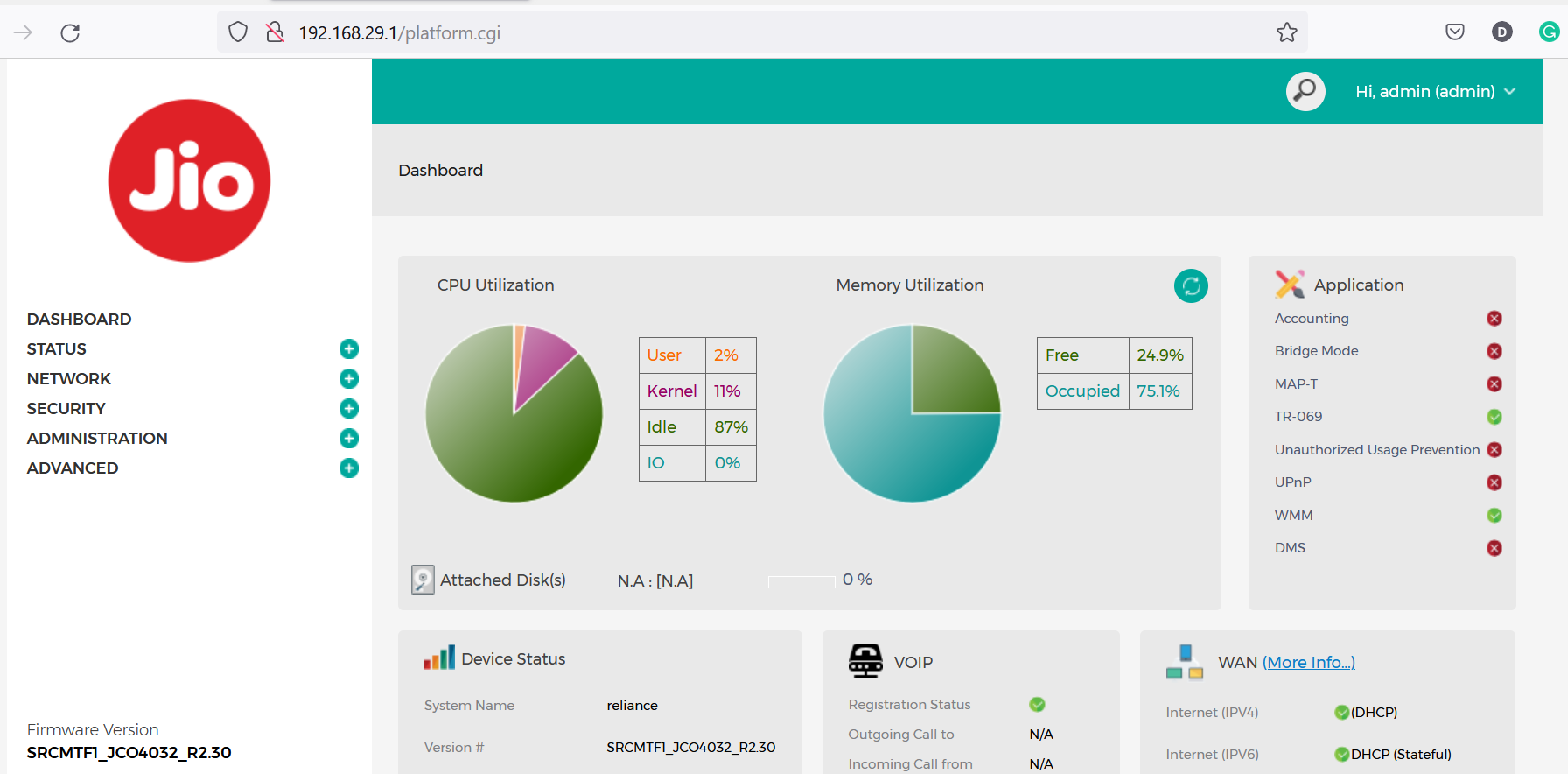
After you sign in, the Jio Centrum home page is displayed.
A router that still uses its default admin password can be reconfigured by anyone on your network. Once you are in, look through the settings menus for the admin or password option and set a strong, unique password. Menu names vary between firmware versions, so I do not list exact paths here.
To see the list of LAN clients click on Status > LAN Clients.
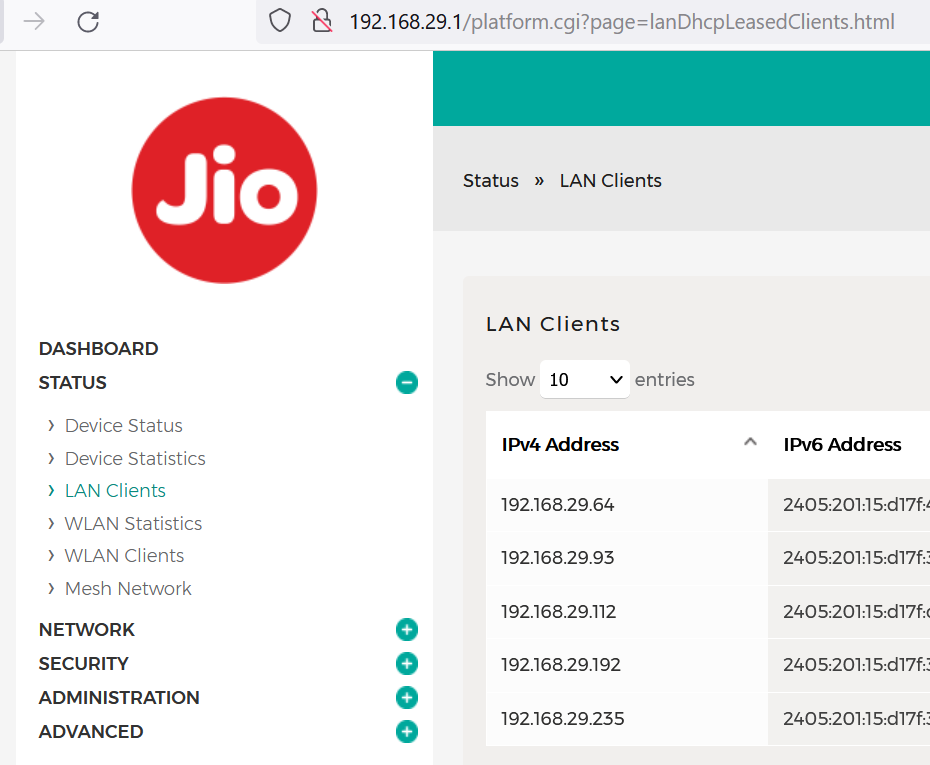
Useful for spotting an unknown device on your Wi-Fi. You cannot set up a static IP address in the Jio Fiber router.
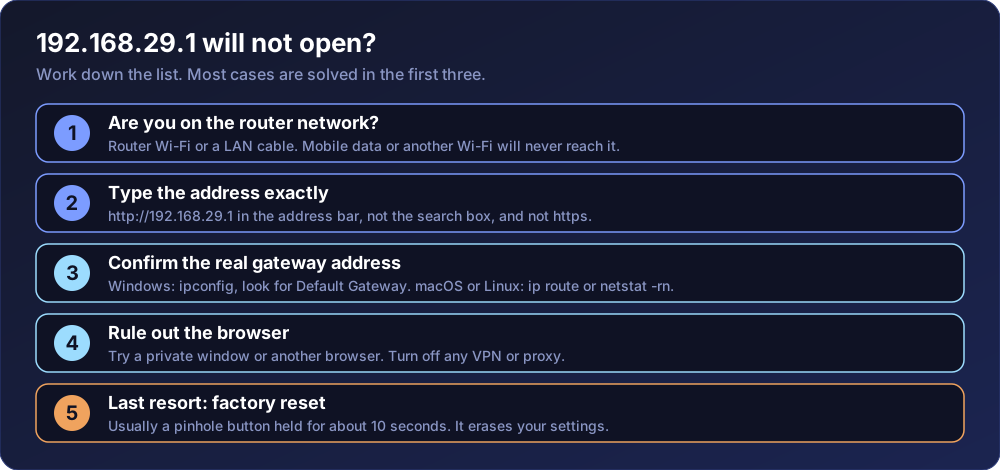
http://192.168.29.1 in the address bar. A search box will send you to a search engine, and https will usually fail.ipconfig and read the Default Gateway. On macOS or Linux run ip route or netstat -rn. If it is not 192.168.29.1, use that address instead.Is the password the same for every JioFiber router? Not necessarily. Use the label on your unit when the default here does not work.
Can I log in from outside my home? Do not enable remote administration unless you need it. Exposing a router login to the internet invites automated password guessing.